Projection options for creating atmosphere in Irish homes and venues
Projection options are a low-cost way to add mood and motion to any space. They work in homes, cafes, shop windows, and event halls. You can change the vibe in an hour with a projector and a little planning. I will keep this practical. You will get clear steps, gear notes, and creative ideas. Read on and pick the approach that fits your room and your time.
Why choose projection options for your space?
Projection options let you customise the feel of a place without major renovation. They add light, colour, and movement. They help you set a holiday mood, support a brand, or turn a living room into a mini cinema. They are flexible. You can swap content fast. You can test an idea for a weekend and remove it the next day. This is perfect if you rent, run a pop-up, or host short events.
Projection options are gentle on budgets. A basic projector and a few metres of film or fabric will do. You do not need bespoke fixtures. You can scale up or down. For a cosy home display, a small LED projector works great. For shopfronts or large walls, pick more lumens. In Ireland, where the evenings are long in winter, projections stand out. They are easy to layer with candles or simple decor. Keep cords tidy and aim the projector at a clean surface for best results.
Projection options are also an opportunity to tell a story. Use looping animations for windows, slow motion visuals for bedrooms, or branded clips for events. You can change the theme quickly. Test different videos to see what your guests react to. If you plan to use projections regularly, create a small content library. It makes setup faster and helps you keep a consistent look across nights and locations.
Wall projection: tips for big, immersive displays
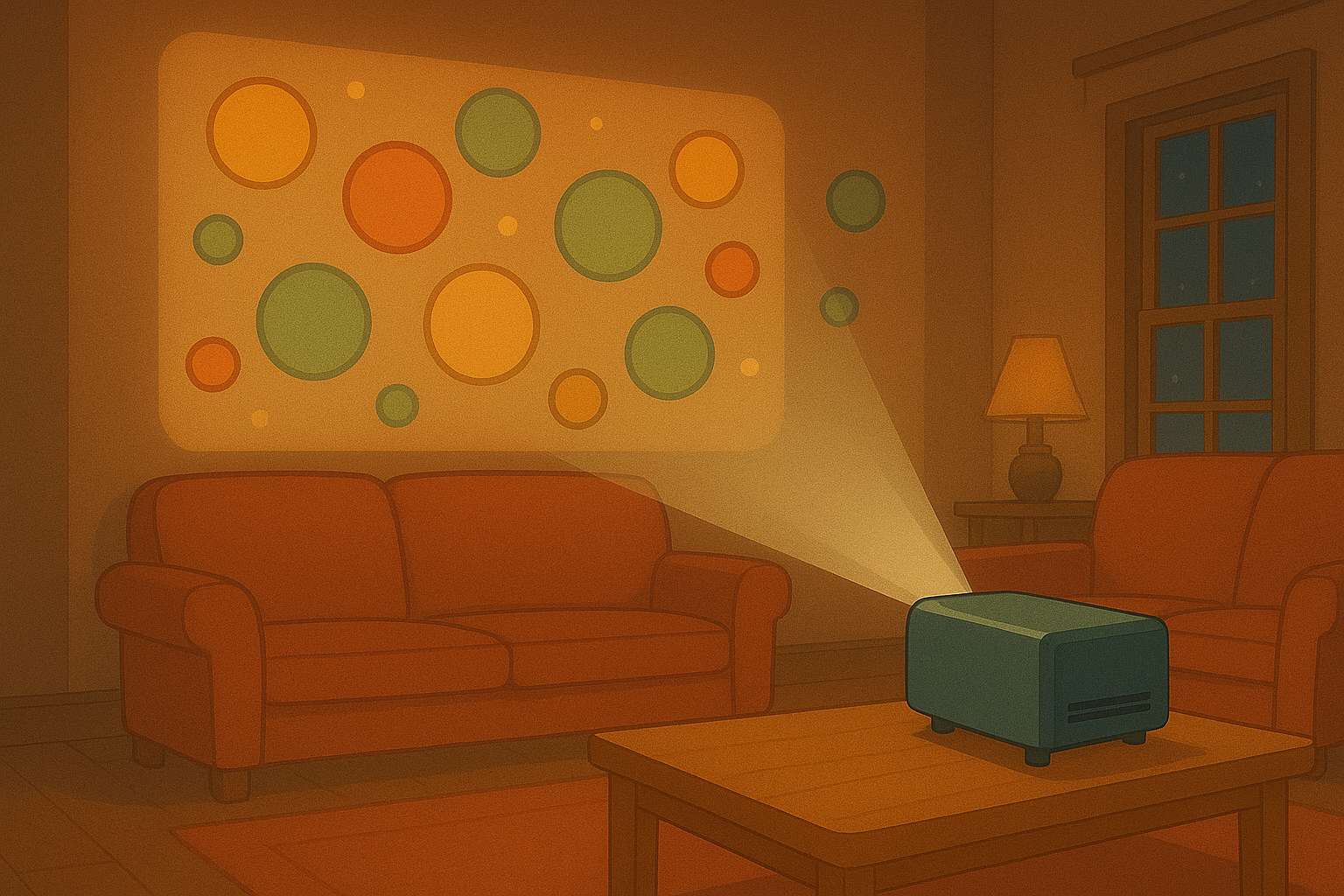
Projection options on walls create the biggest impact. They turn emptiness into an immersive backdrop. First, choose the right projector. Look for brightness measured in lumens. A brighter lumen count helps with ambient light. Pick a higher contrast ratio to keep blacks deep and colours rich. Mount the projector steady. Use a ceiling mount or a simple shelf to avoid shake. Focus on distance. The further the projector sits from the wall, the larger the image. Check the throw ratio of your model to plan placement.
Projection options benefit from a smooth, light-coloured surface. Pale paint works best. If your wall has texture, test a small image first. You can also use a portable screen for sharper results. Keep the room lighting under control. Dim overhead lights and avoid direct sun. For public events, set up subtle seating and clear sight-lines. Think about sound too. Add a small speaker to support the visuals. Simple audio makes a projection feel more complete and draws people in.
Projection options also work with multiple projectors for very large walls. Stitching two images can make a panorama. That needs alignment and blending. Start with a single unit if this is your first time. Practice at home. Bring a laptop with your files. Test the video file for resolution and codec compatibility. Many modern projectors accept USB sticks or streaming sticks for easy playback.
Window projection: how to make your display visible from both sides
Projection options for windows are perfect for seasonal displays and shopfronts. They allow people outside to engage while keeping the interior comfortable. For best results, use a rear-projection film. Apply the film to the glass facing the street. Place the projector on the inside, pointing at the film from behind. This setup reduces glare and keeps the pictures visible during dusk and early evening.
Projection options on windows need careful alignment. Measure the glass and cut the film slightly smaller than the pane. Smooth out bubbles with a squeegee and a spray bottle of soapy water. Place the projector close enough to fill the film area without losing sharpness. Use a short-throw projector if space is tight. You can also hide the projector in a display case or behind props to keep the scene neat.
Projection options for windows also work with timed playlists. Loop short clips to match foot traffic. For the Advent season, try a set of 24 short animations. Rotate content every few nights to keep passers-by curious. Remember to consider privacy and light levels inside. Use curtains or smart dimming so your guests stay comfortable while the window shines bright.
Schwebende Netze: creating magical mid-air effects with voile and gauze
Projection options with floating nets add depth and surprise. Thin gauze or voile creates a hovering surface that looks like mist or a phantom screen. Hang the net a few metres from the wall and project onto it from the front or back. The image appears to float. Use light animations with soft edges for the best effect. This technique works well in theatres, galleries, and atmospheric bars.
Projection options for netting need care with placement and lighting. Anchor the fabric so it stays still. Even slight drafts can blur the image. Use soft clips or a slim frame to keep the material taut. Choose low-powered, focused projectors to avoid spill onto nearby walls. Position speakers to the side to keep the installation clean. For interactive shows, add a simple sensor to change visuals as people pass. It turns a static display into a living scene.
Projection options with layered nets allow multiple planes of motion. Put a second net behind the first with a small gap. Project different animations on each layer for parallax. This creates depth that tricks the eye. Try birds on the front net and clouds on the back. Keep motion slow so the effect remains peaceful. This setup is particularly striking in dim venues and makes a room feel like a dream.
TV view and playback: easy ways to run animations on a screen
Projection options can include your TV as a display. Many modern TVs accept HDMI sources, streaming sticks, or dedicated apps. Plug a laptop or stick into the HDMI port and play your looped clips. This is a low-fuss option for short animations in cafes or living rooms. It preserves image clarity and is quick to set up. TVs work well where projectors are impractical or where you want crisp detail.
Projection options for TV also mean using apps. Upload your animations to a media-player app or stream from a cloud folder. Use a simple playlist and set it to repeat. If you prefer plug-and-play, copy files to a USB stick and let the TV play them. Keep file sizes reasonable to avoid lag. Most TVs handle MP4 files well. Test the resolution and aspect ratio to avoid black bars or cropped images.
Projection options on TV are great for small businesses. Mount the screen at eye level in a window display or behind a product. Use subtle motion to attract attention without overwhelming customers. Combine a TV view with gentle store lighting and props. This keeps the scene cohesive. Finally, document your setup with a quick photo or short note. It helps you recreate the same look elsewhere and keeps your projections consistent across nights.
Projection options open up a lot of creative space. They are affordable, flexible, and easy to test. Try a wall, a window, a floating net, or your TV. Start small and scale slowly. Use bright, clean files and neat mounts. Keep safety in mind when mounting gear. If you want help planning a setup for a specific Irish venue, drop a message and I can give focused tips. You will be surprised how much atmosphere a single projector can create.
Popular projections